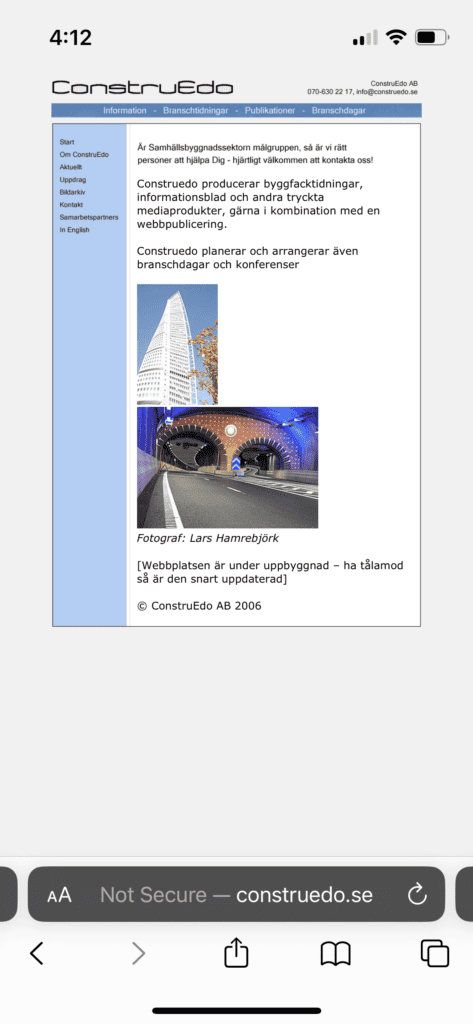
Lars and I started to work on a new website since his old website was in need of a few updates. The main need was to update the content but there was also room for improvement in terms of the user experience.
The old website was built using an older software and displayed the same version of the website for all devices. This made the text difficult to read and forced the used to manually zoom in in order to navigate the content.
Another aspect that could be improved was installing an SSL certificate to give visitors are secure connection with https, which is what gives a website the lock icon instead of the text "Not Secure". Since this website didn't process sensitive user information the lack of an SSL certificate didn't cause any major risks. But it doesn't give off the best impression and you can wonder why you are being warned about security.
The Result
An easy first step some websites can take to improve their credibility and security is to install an SSL certificate. This gives your website a secure connection using https and displays the lock ikon that we have have become used to seeing next to the website URL.
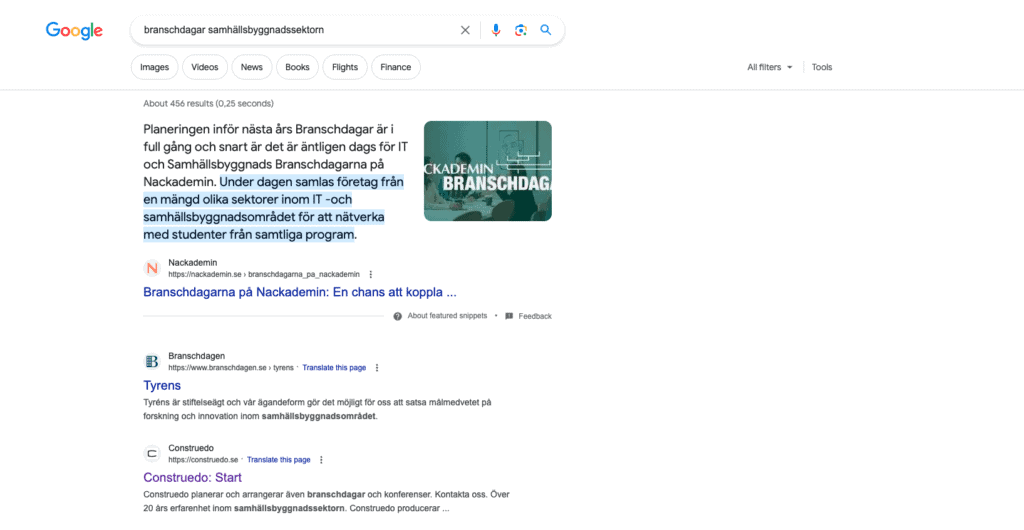
Next to the URL you can also often see a logo. In terms of functionality this is a less important aspect of the website but it can still help build greater authority since most established companies do have their own logo at the website tab and in the Google results.
Even though Google is a smart search engine, you do need to give it instructions on how to read your website. It's therefor important to used H-tags correctly and write well thought out meta descriptions when describing your content.
"You did a good job with my website, now I don't have to be 'embarrassed' when clients/acquaintances visit the website and see that there isn't much that looks like it should."
Lars Hamrebjörk – Construedo
Are You Also in Need of an Updated Online Presence?